Your Hosting support multiple versions of PHP. To change the PHP version used for your account, follow these steps:
- Log in to cPanel.
- In the SOFTWARE section of the cPanel home screen, click Select PHP Version:
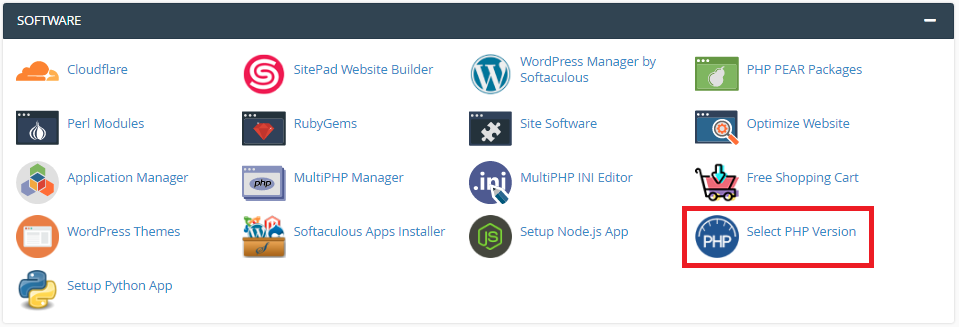 If you do not see Select PHP Version in the SOFTWARE section, your server does not support this feature.
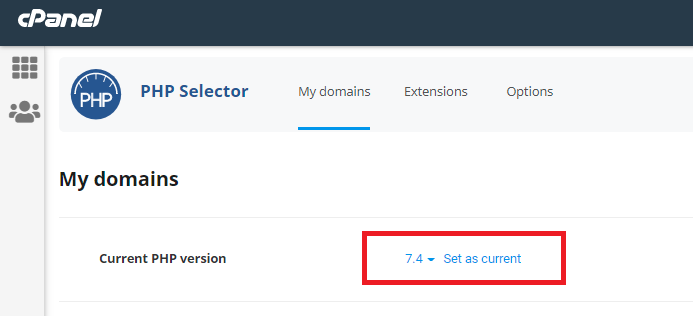
- cPanel displays the current PHP version. To change the PHP version, in the Current PHP Version list box, select the version that you want to use.
- Click on Set as current. The new PHP version takes effect immediately.